






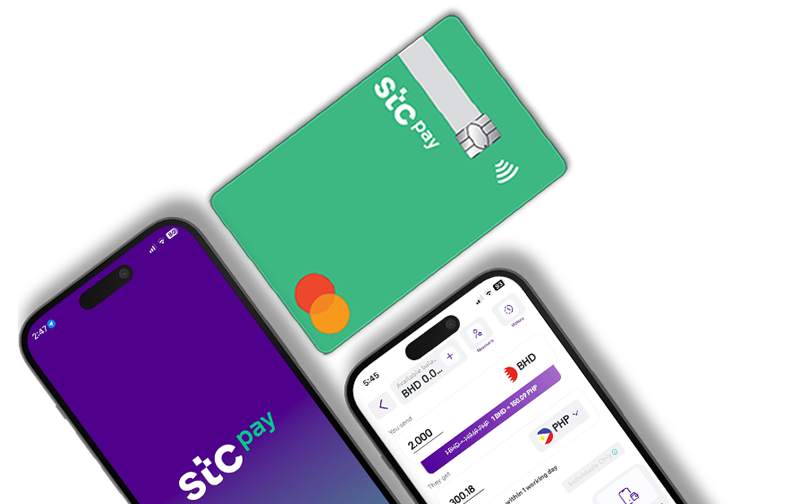
Get the app from the App Store or Google Play (HERE) to begin your journey.
Sign up using any mobile number in Bahrain—whether it’s from stc, Batelco, or Zain.
Take a photo or upload a clear image of your CPR for identity verification.
A quick selfie is all it takes to confirm your identity and complete the process.



Transfer funds directly from your bank account in Bahrain using Fawri+ or Fawri to the IBAN linked to your stc pay account.
Instantly top up your account using BenefitPay—accessible directly within the stc pay app.
Use any debit card issued in Bahrain to add money with just a few taps.
Fund your account using any local or international credit card.
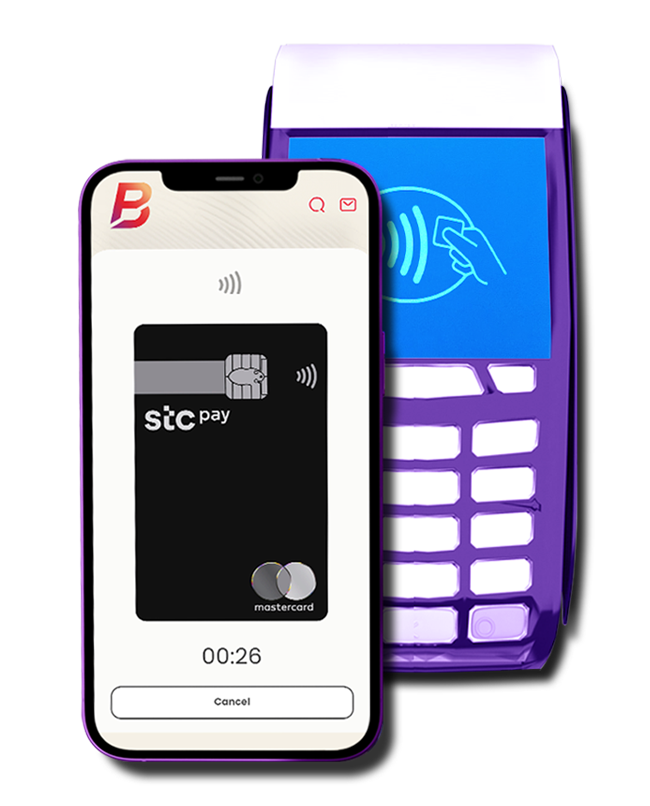
The easiest and fastest way to top up—just use Apple Pay directly from your iPhone.
Use Fawateer service to instantly top up your account with up to BHD 2,500 in one simple step.
Prefer cash? Deposit money directly at TAM kiosk machines located across Bahrain.
Receive your monthly salary directly into your stc pay account—safe, fast, and hassle-free.







Creating an account is fast and easy:Download the stc pay BH app: Android | iOSEnter your mobile numberUpload a photo of your CPR (front and back)Take a quick selfieAnd you're all set!
No. You can sign up using any active Bahraini mobile number, whether it’s from stc, Batelco, or Zain.
No. For security and regulatory compliance, only one account can be registered per CPR.
You must be at least 18 years old to register.
Yes. For security reasons, customers aged 75 years and above will not be able to complete registration.
Yes, you can update your number anytime.
Option 1 – From Within the App:Open the stc pay appGo to Account SettingsSelect Change Phone NumberFollow the on-screen instructions Option 2 – From the Home Screen:Open the app and tap Login as a New UserChoose Change Phone NumberFollow the on-screen instructions
 Download the stc pay BH App
 Enter your mobile number
 Upload your CPR photo
 Take a selfie
 Bank Transfers (Fawri+/Fawri)
 BenefitPay
  Debit Card
 Credit Card
 Apple Pay
 Fawateer
 Cash Deposits (TAM Kiosks)
 stc pay Salary Transfer